


More and more people want to break free from the grip of Big Tech but find the step to a privacy smartphone daunting. Understandable. You do want control over what happens to your data but with the ease of use you are used to.
That is exactly why you can now use OwnPhone with two operating systems: YOS and Ubuntu Touch. With Ubuntu Touch you get an environment that in daily use feels very similar to what you already know while YOS is designed to minimise distraction and give you maximum control over your data. Everyday things like calling, email and browsing already work well in Ubuntu Touch. For banking apps, DigiD and authenticator apps you currently still use the other operating system YOS. Because both systems run on a single device you can take your time to get used to it and gradually discover what works best for you.
Because both systems run on a single device you can take your time to get used to it and gradually discover what works best for you.
What is Ubuntu Touch?
Ubuntu Touch is an open source operating system for smartphones. It is based on Ubuntu Linux and developed by the UBports Foundation: a global, active community of developers and users.
UBports describes itself as “a global non-profit dedicated to putting you in control of the future of the mobile for the public good.”
In plain language this means they are building a mobile operating system that is not driven by shareholders or advertising revenue but by the idea that you should be back in control of your phone and your data. Everything they create is open source and intended for the public good, not for maximising profit.
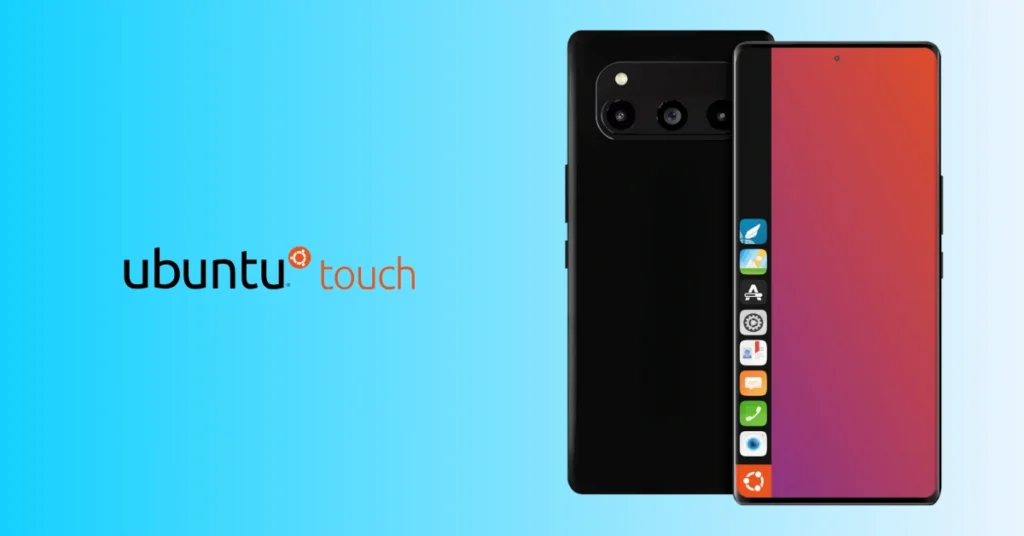
The interface works with app icons and edge swipes from the sides of the screen. As a result it quickly feels familiar if you have been using an Android or iOS phone for years. You get standard apps for calling, messaging, browsing, calendar and photos plus an app store with additional apps.
YOS and Ubuntu Touch together on one OwnPhone
With the new multiboot feature you can now use OwnPhone in two “modes” so to speak.
- YOS: our own operating system, designed for maximum digital autonomy and as little dependence on big tech companies as possible
- Ubuntu Touch: an open source system that in terms of operation comes very close to what you already know but with privacy and control as the starting point
When you start your OwnPhone you choose which system you want to use. You do not have to choose either one or the other: you have both systems in your pocket.
What does Ubuntu Touch feel like in daily use?
When you start Ubuntu Touch for the first time you see a clear, calm screen with familiar elements.
- A home screen with apps you recognise immediately
- Edge swipes from the sides for multitasking and quickly switching between apps
- An app store with a growing range of apps
In practice this means you do not have to learn how to use a smartphone all over again. You mainly discover that it can be done without all those preinstalled services that track and analyse your behaviour.
Banking apps and Ubuntu Touch: what you need to know
Banking apps, DigiD and two-factor authentication apps do not currently work on Ubuntu Touch. This is an honest limitation worth knowing upfront. Ubuntu Touch is a completely independent OS — not Android — and most banking apps require Android or iOS to run.
For daily use including mobile banking, YOS on the OwnPhone is the right choice. YOS runs Android apps and handles your banking app the same way you are used to.
Privacy features of Ubuntu Touch
Where Ubuntu Touch excels is privacy by design. It runs no Google services, requires no account to set up and installs apps only from the Open Store — a curated, open-source app library. There is no advertising ID, no background telemetry and no data shared with third parties by default.
Ubuntu Touch is ideal for users who want to experience what a phone looks and feels like when privacy is the foundation — not an add-on.
Who is this combination for?
The combination of YOS and Ubuntu Touch is especially interesting if you
- want a privacy-focused smartphone but find the switch a bit daunting
- want to decide for yourself which services you do and do not use
- want to experiment with open source technology without giving up your existing habits all at once
- want to work step by step towards true digital autonomy
Safely trying and experimenting
With OwnPhone you do not have to take a leap into the deep end. You can switch between the two systems at any time by restarting your phone. This allows you to safely discover which operating system best matches your preferences.
And if, for example, you prefer to use Ubuntu Touch most of the time but occasionally need an app from your bank or an authenticator, you simply switch to the YOS operating system.
In this way you create your optimal digital environment on your smartphone at your own pace.
Want to see how this works in practice?
We have created an English video that shows step by step how to install Ubuntu Touch alongside YOS on OwnPhone. You will see exactly
- which preparations you should make
- how the installation works
- how you then choose between YOS and Ubuntu Touch when starting up
You can find the video in our online community:
https://community.yourdata.network/t/setup-multi-boot-install-linux-ubuntu-touch/177
Curious to learn more about OwnPhone?
On the OwnPhone product page you can read more about the phone, the specifications and how OwnPhone together with YOS and Ubuntu Touch helps you become the owner of your digital life again.
- Discover OwnPhone here: https://yourdata.network/ownphone/
- Watch the installation video here: https://community.yourdata.network/t/setup-multi-boot-install-linux-ubuntu-touch/177