







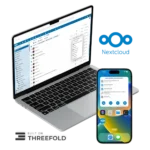
Nextcloud Remote
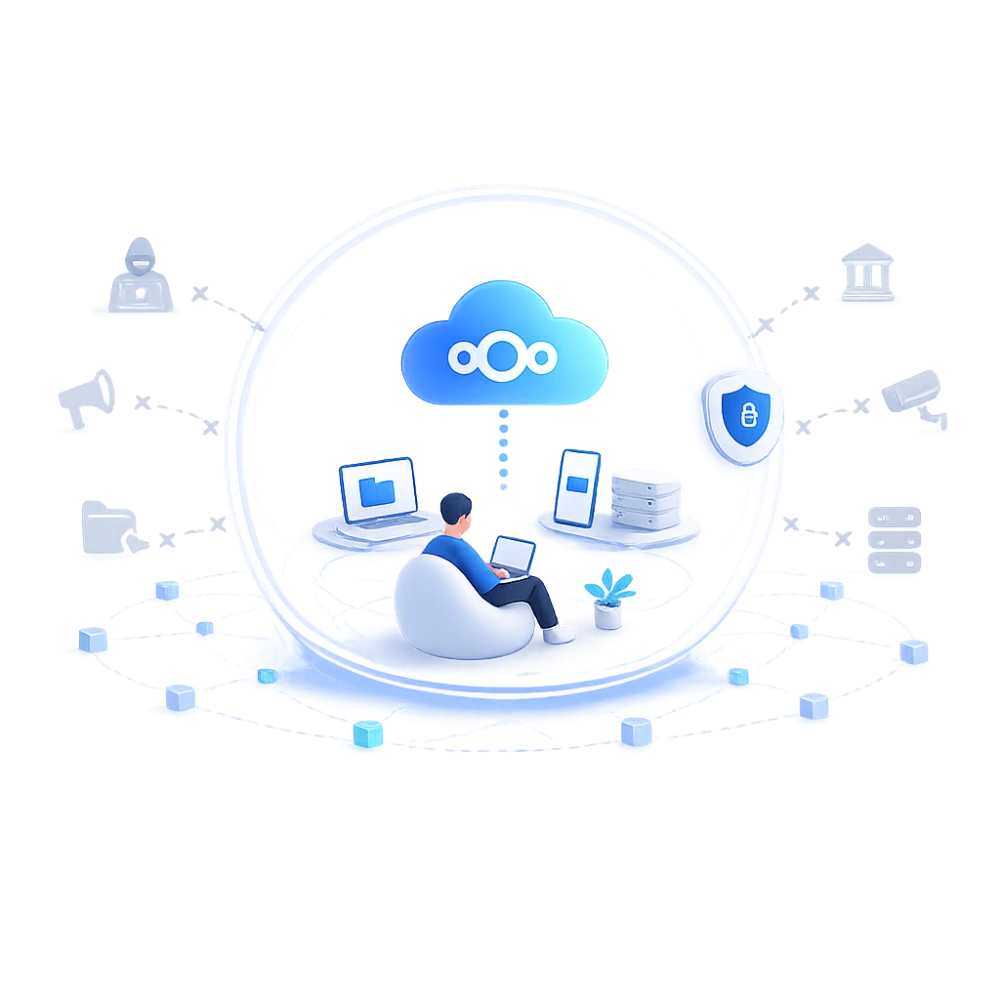
Your private cloud. Full control over your data.
From: €11.99 incl. VAT (€9.91 excl. VAT) / month and a €69.00 sign-up fee
Available within 1 business day
- Your data is stored on the decentralized internet – not with Big Tech
- Ready to use immediately, no technical knowledge required
- Always access your files, on any device
 Hassle-free setup
Backups & updates included
Personal support
Hassle-free setup
Backups & updates included
Personal support
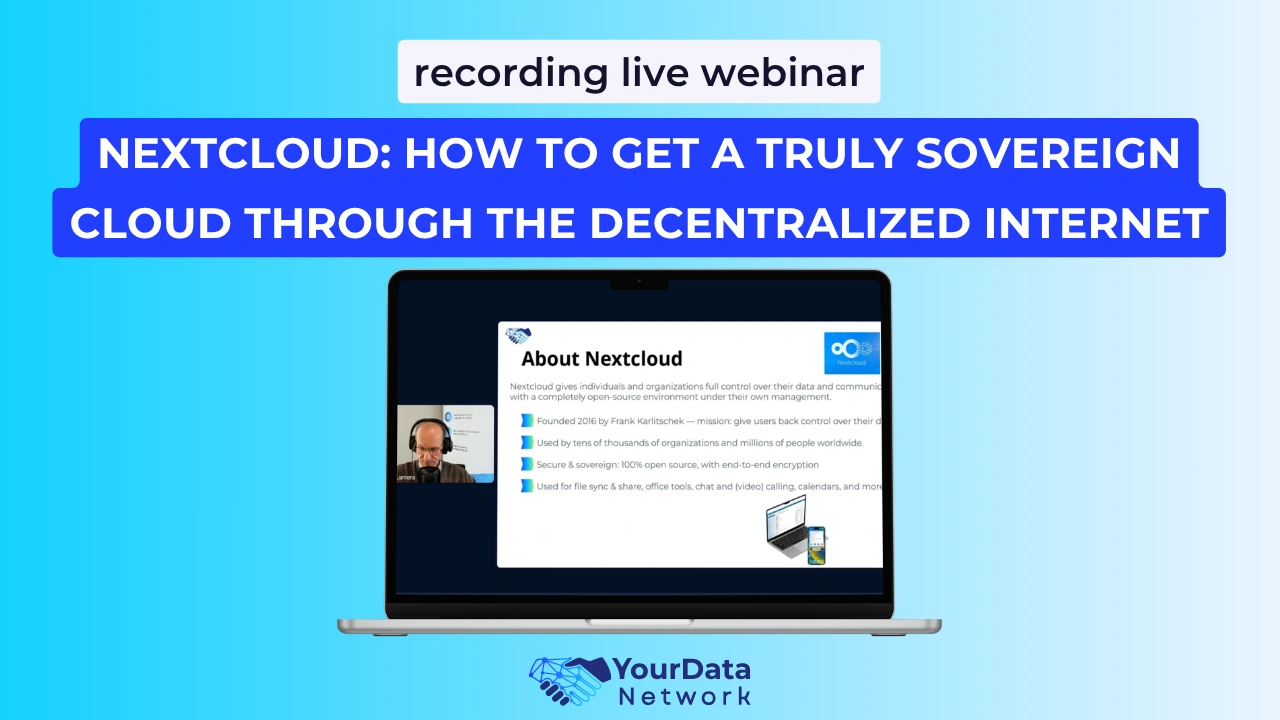
Discover how Nextcloud works
In this video, you’ll see how Nextcloud works and how you can use your own cloud without relying on Big Tech.
Why our Nextcloud solution is fundamentally different from traditional cloud storage
Most cloud solutions offer convenient features for storing, sharing, and using files. The real difference lies in how your data is stored and who you depend on.
Traditional cloud storage and many other Nextcloud providers
your data is stored on centralized servers owned by a single provider
you depend on one hosting provider for access and availability
you usually have no choice where your data is physically stored
you can use the cloud, but the underlying infrastructure is not yours
Our Nextcloud solution
your data is stored on the decentralized internet
you are not dependent on a single central provider
you can choose to store data on your own node or within the network
you have more control over where and how your data is stored
What you can do with Nextcloud
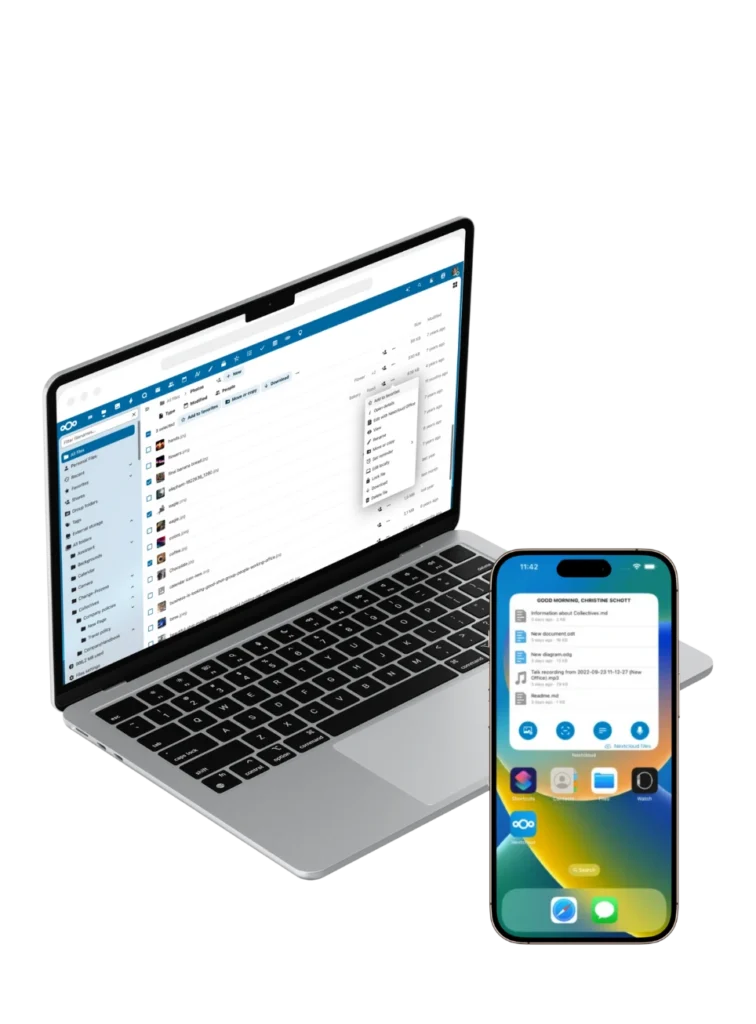
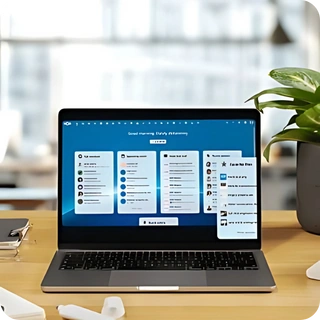
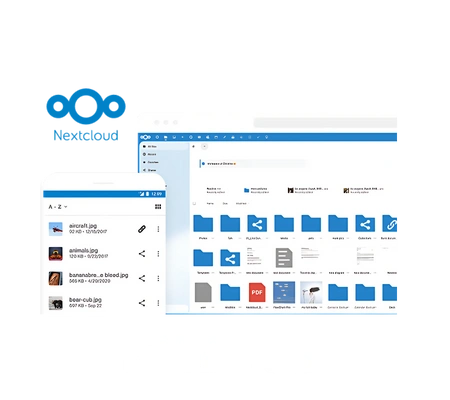
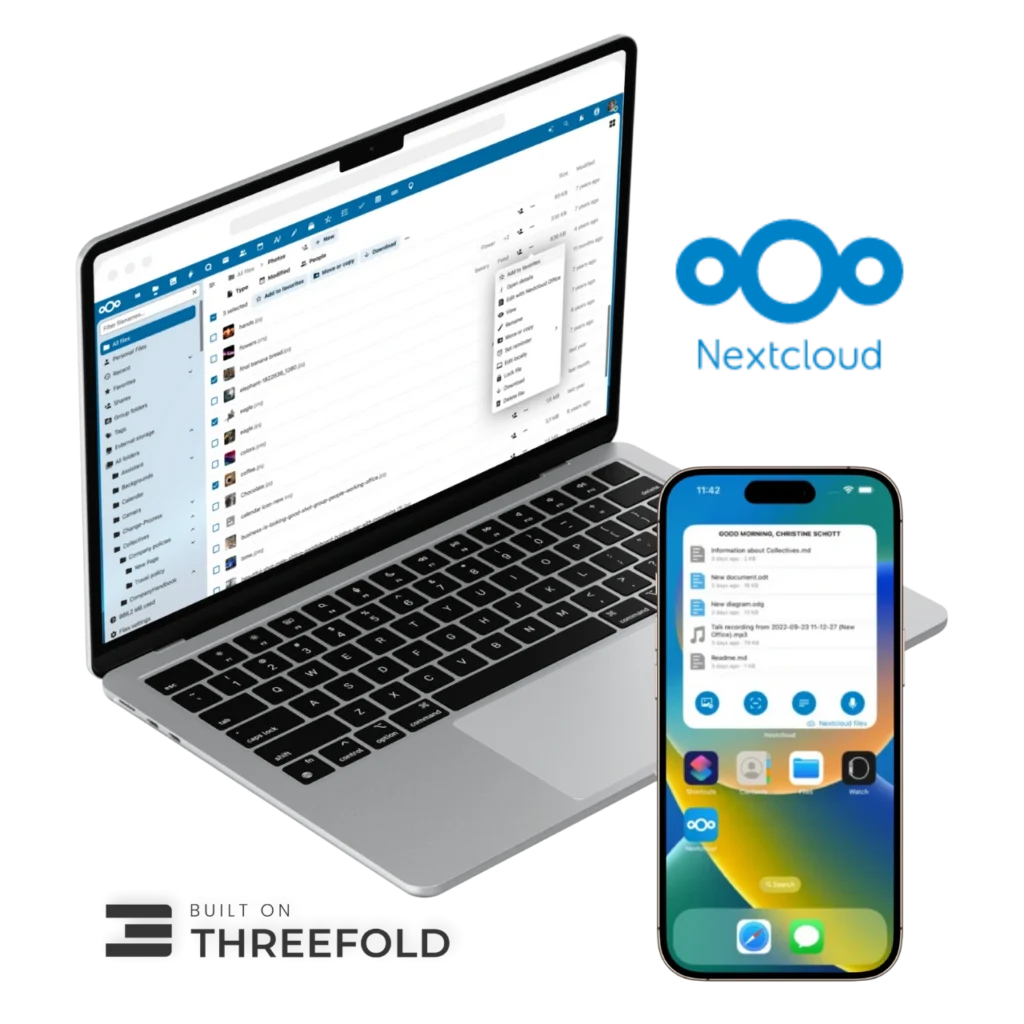
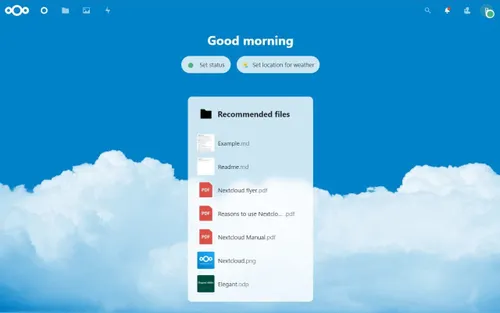
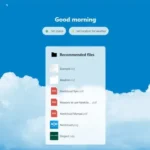
Nextcloud is designed to be easy to use and ready for everyday use. You use it just like other cloud services, but with full control over your data.

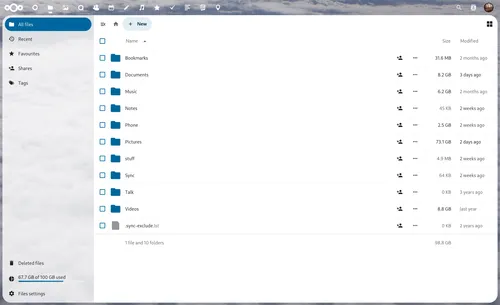
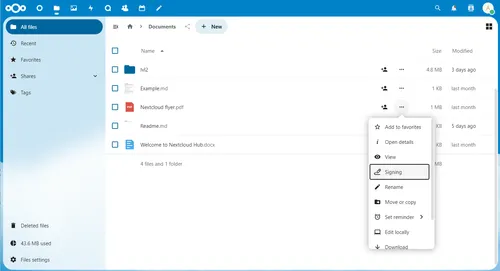
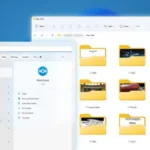
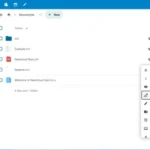
Store and organize files

Share files with others

Collaborate on documents

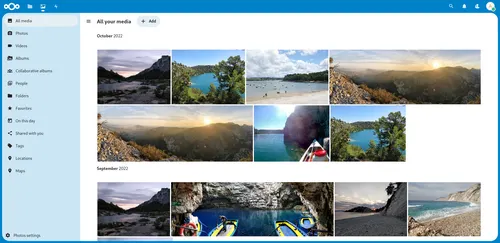
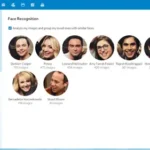
Securely store photos and videos

Use automatic backups

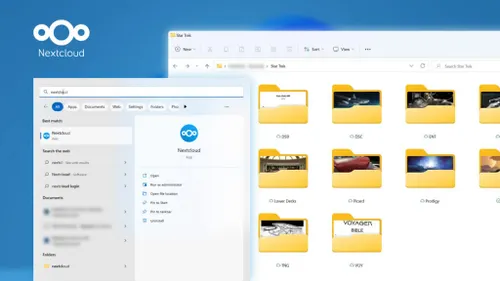
Sync files across devices

Connect your email and calendar

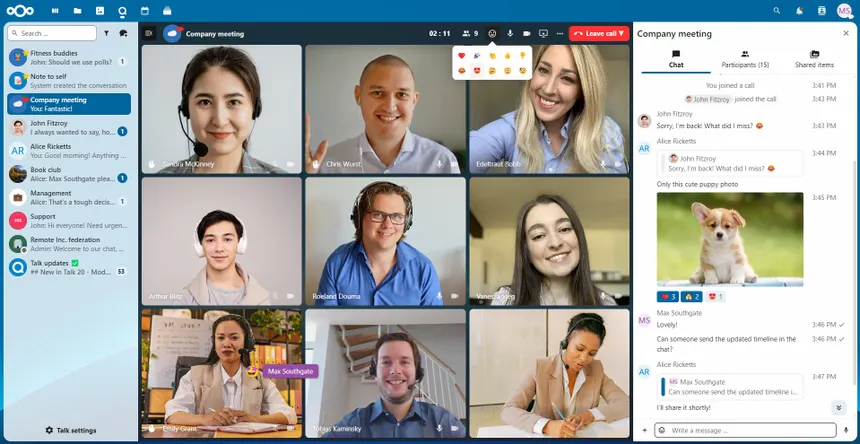
Video call and communicate

Access from laptop, smartphone, and tablet
For almost all daily use cases, Nextcloud works just like you’re used to. The difference is that your data is not stored by a central provider, but securely on the decentralized internet.
You get the convenience of a modern cloud solution without depending on Big Tech.
Built on technology that gives you control over your data
Our solution is built on technology developed with one goal: to give you full ownership of your data.
By combining Nextcloud and ThreeFold Internet, you use a cloud environment where you decide what happens to your data and where it is stored.

Nextcloud
Open source cloud software
With Nextcloud, you store files, share them, and collaborate, just like with other cloud services. The difference is that you decide who has access to your data and how it is used.

ThreeFold
Decentralized internet infrastructure
ThreeFold makes it possible to store your data on the decentralized internet instead of centralized data centers. The network is owned by its users, not by a single central entity.
What users say about Nextcloud
More and more people are choosing a cloud solution where they have full control over their data and are independent from Big Tech.
Frequently asked questions before switching
Switching to Nextcloud on the decentralized internet can raise questions. Below, we answer the most important ones so you know exactly what to expect.
Yes, it works almost the same. You can store, share, and edit files as you’re used to.
The difference is that your data is not stored by a Big Tech company, but on the decentralized internet and only you have access to it.
No. Nextcloud is intuitive and similar to other cloud services. It may take a little getting used to at first, but most users adapt quickly.
We also provide clear instructions and support so you can get started without technical knowledge.
Your data is stored on the decentralized internet instead of centralized data centers. You can choose to store your data on your own node or on existing capacity within the network.
Yes. You can easily upload your files by dragging and dropping them into your new environment. If needed, we provide guidance and support during the transfer.
Yes. You can access your files via your laptop, smartphone, and tablet, as long as you have an internet connection and your login details.
We make sure your environment is properly set up, including configuring backups.
After that, you manage your own environment and are responsible for updates and maintenance.
If something does go wrong, you can easily restore a backup within Nextcloud.
If you run into any issues, you can always rely on our support.
For businesses, we also offer a fully managed solution with an SLA, where we take care of all management, maintenance, and continuity.
Yes. Nextcloud is suitable for both personal and business use. We offer additional features and support for teams and organizations.
Technical specifications
100 GB to 1 TB and beyond
storage
Enough space for your files, documents, and backups
Always accessible
access
Via browser and apps on laptop, smartphone, and tablet
Collaboration & Office
functionality
Share files, collaborate, and edit documents in one environment
Backups included
reliability
Your data is automatically secured and managed
Full specifications
| Category | Specifications |
|---|---|
| Storage | Available in 100 GB, 200 GB, 400 GB and 1 TB. Custom storage options available on request |
| Access | Via web browser and apps. Available on desktop (Windows, macOS, Linux), smartphone and tablet (YOS, iOS, Android) |
| File management | Store, sync, and share files across devices |
| Collaboration | Collaborate on documents and files within your own environment |
| Calendar & contacts | Sync calendars and contacts across devices |
| Setup time | Fully set up within 1 business day |
| Backups | Automatic backups included. Data recovery available in case of loss or errors |
| Category | Specifications |
|---|---|
| Hosting location | Stored on the decentralized internet. Choice between your own node or the network |
| Office functionality | Edit documents, spreadsheets, and presentations with Nextcloud Office. Real-time collaboration without external tools |
| User management | Manage users, permissions, and access levels |
| Communication | Use apps like Nextcloud Talk for chat, audio, and video calls |
| Management & maintenance | Includes updates, backups, and technical management |
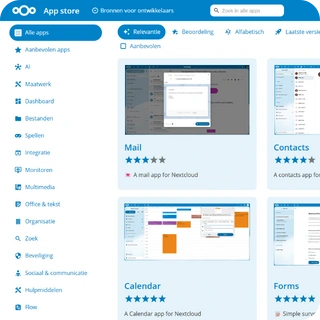
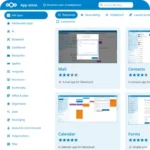
| App extensions | Extend functionality via the Nextcloud App Store |
| Domain name | Use your own domain name. Or connect Nextcloud to an existing domain |
This is what you receive after your order
- ✓ Login credentials for your personal Nextcloud environment
- ✓ Access via your own domain name (chosen or provided by you)
- ✓ Access via web and apps on all your devices
- ✓ A fully set up and working environment (within 1 business day)
- ✓ Clear instruction videos to get started immediately
- ✓ Practical guidance for setup and usage
- ✓ Support for questions and configuration
Ready to use your own cloud without depending on Big Tech?
Use a cloud like you’re used to, but with full control over your data. With Nextcloud on the decentralized internet, you use your own environment for storing and sharing files, collaboration, and communication, without relying on external platforms.
Choose the storage and duration that fit your needs to get started.
Active within 1 business day • Backups included • Personal support
Nextcloud Remote
€11.99 incl. VAT (€9.91 excl. VAT)
Your private cloud. Full control over your data.